After doing a small amount of research and watching a couple YouTube videos on the topic, I decided to start by trying Ollama.
I have a few computers to select from to start with;
- An older small form factor “desktop” PC with an Intel Core i7-4790S (4 cores @ 3.2GHz) and 8GB of RAM – OK for web browsing still with a light weight Linux distro, but not really enough cores nor memory to get much of anything accomplished.
- A mid-2014 Macbook Pro with an Intel Core i5 (2 cores @ 2.6GHz) and 8GB of RAM – surprisingly OK for web browsing, but obviously even less capable than the SFF desktop, so this is not the one.
- My home lab server running an older, but still capable version of ESXi with an Intel Core i7 9700k (8 cores @ 3.6GHz) and 64GB of RAM. Far from modern, and really reminded me how long it’s been since I’ve upgraded any of my personal equipment – one of the side effects of working in IT – when I’m done working for the day I rarely feel like sitting in front of the computer again. Anyhow… this is the one, especially given the rather large amount of RAM and how memory-hungry LLMs are.
So… I start by downloading Ubuntu 24.04.2 LTS, configuring a VM with 8 vCPUs, 56 of the 64GB of RAM in the host and a 300GB VMDK provisioned from an Intel 665p 1TB NVMe SSD.
After updating the OS, I installed Ollama using the bash script as directed on their website:
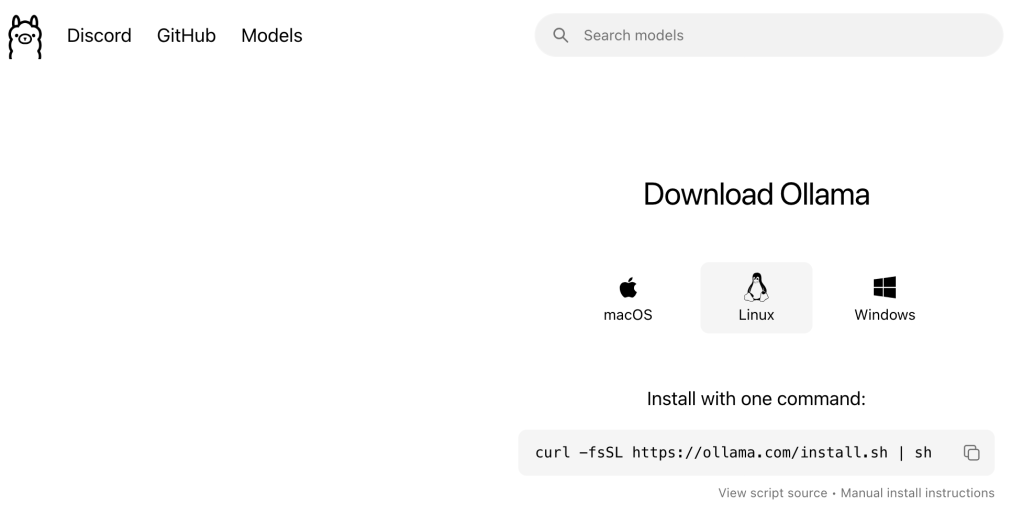
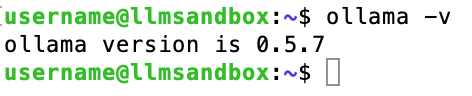
Lo and behold, it was that simple… a few minutes later and Ollama is up and running:
Next I need to decide which LLM to start with. DeepSeek is generating a lot of buzz lately, and while there seems to be some concern over confidentiality and other aspects of the App or Web version, running it locally seems to be fairly benign. So that’s where I’ll start… but which one?
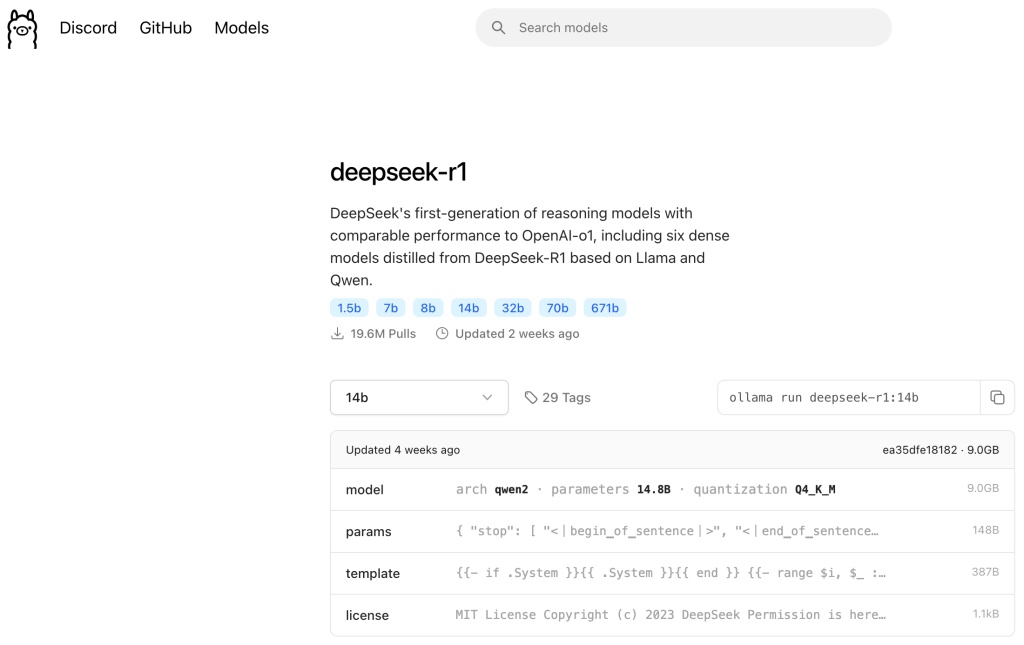
I’ll publish another post where I go into more of the details here, but for now, let’s just consider the different sizes of the models. Recall I provisioned 56GB of RAM for my VM, which can run all but the 671 billion parameter R1 model. However, I decide to start with the 14b model because it requires 9GB of RAM. Why not more if I have 56GB provisioned? Well… after watching several YouTube videos of people experimenting with LLMs, I thought it would be interesting to compare a model running on my CPU and using system RAM against the same model running on a GPU later. (more to come on that in a future post)
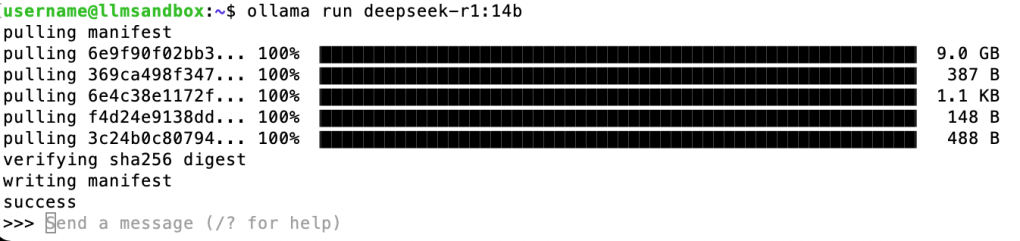
Anyway, downloading and running a model is as simple as installing Ollama – the syntax is right there… a quick copy and paste, (when you run a model that isn’t already downloaded, it automatically does a “pull” – if you’d like to download a model for use later without running it, just replace “run” with “pull” in the provided command syntax).
A few minutes for the model to download, and we have a running 14-billion parameter model:
Let’s ask it something…
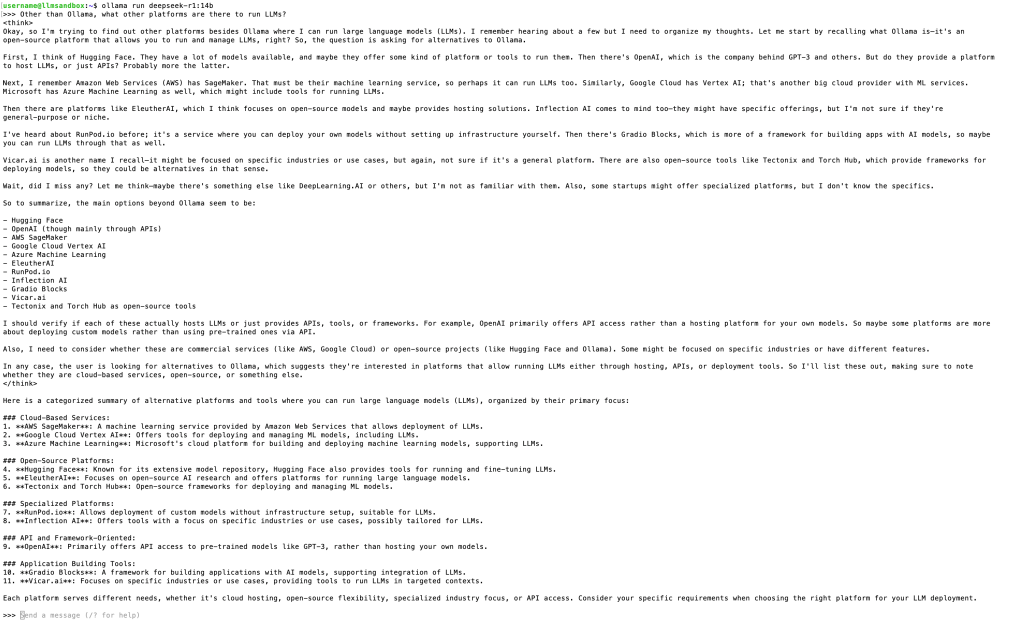
(Sorry, kind of difficult to see all that, but that’s the only way I could get the very long output in a screenshot)
Interesting – DeepSeek is a reasoning model, and the only one I know of so far that shows you how it “thinks” before providing its response.
What I’m doing here is referred to in the industry as “inferencing.” This is basically being an end-user of the model and using it for its intended purpose in the most basic way. This is what my next few posts at least will focus on. Eventually, as I mentioned in my first post, I will get into fine-tuning and various forms of training.
Nonetheless, we have a working LLM! Mission accomplished – stay tuned for my next post where I try a few more models of different size and type and try a little more inferencing.
 ANotSoI
Leave a comment